Best AI Task Automation Tools for Form Filling Automation (2026)
You're evaluating AI form-filling tools because manual data entry is consuming hours your team can't spare. Most options promise speed but fail on accuracy, integration, or security. That gap is why you need clear criteria before committing to a platform.
By the end of this guide, you'll know exactly which features matter for your workflow, how six leading tools compare on those specifics, and which one earns the top spot. We'll also give you a practical framework for matching tool capabilities to your team's actual processes, plus a final verdict to simplify your decision.
What to Look For in AI Form Filling Automation Tools
When evaluating AI form filling automation tools, focus on accuracy, integration capabilities, and data security to ensure seamless adoption. These three pillars determine whether the software will save time or create new bottlenecks in your operations.
The right tool should feel like a natural extension of your existing tech stack. It should handle messy inputs gracefully while keeping sensitive information protected. Most teams discover that a tool performing well on all three fronts dramatically reduces manual data entry errors and frees staff for higher-value work.
Beyond the core pillars, consider how the tool fits into your daily reality. Does it support the file types your team encounters? Can it scale as your form volume grows? These practical considerations often separate tools that work in demos from tools that work in production.
Keep in mind that no single tool excels at everything. Some prioritize raw extraction speed, while others focus on complex validation logic. Understanding your specific pain points will guide you toward the right balance of features.
Key Features: Accuracy, Integration, and Data Security
Accuracy in data extraction is non-negotiable; look for tools that combine OCR with machine learning to handle varied form layouts. Optical character recognition captures the raw text, while machine learning form parsing interprets context and fields correctly.
Strong tools use intelligent document processing to learn from corrections over time. They apply template-based extraction for known layouts and fall back on adaptive parsing for unfamiliar ones. This combination reduces errors significantly compared to static rules.
Validation rules and error handling are equally important. A quality tool flags suspicious values, checks formats against expected patterns, and routes exceptions to human reviewers. This prevents bad data from flowing silently into your systems.
Integration capabilities determine how much value you actually extract from the tool. Look for API integration that allows custom connections, plus native CRM integration and ERP integration for common platforms. Consider whether you need cloud-based automation or on-premise automation depending on your infrastructure requirements.
Real-time data sync keeps records current across systems, eliminating the lag that causes duplicate entries or missed updates. Batch processing handles high-volume periods efficiently, so your team never faces a backlog of unprocessed forms.
Data security should be evaluated at multiple levels. End-to-end encryption protects data in transit and at rest. Compliance certifications such as SOC 2, GDPR, or HIPAA matter depending on your industry. Ask vendors about their data retention policies and whether they offer regional data residency options.
Field mapping tools let you define how extracted data flows into your target systems. Flexible mapping reduces setup time and makes it easier to adapt when your downstream processes change.
Ease of Use and Workflow Compatibility
A tool that requires extensive coding knowledge will slow down adoption; prioritize no-code or low-code options with drag-and-drop workflows. These interfaces let operations teams build automations without waiting on IT resources.
Trigger-based automation is a key feature to evaluate. The best tools let you define conditions that kick off form processing automatically, such as a new file landing in a folder or a webhook firing from an external system. This removes manual initiation steps entirely.
Workflow automation should feel visual and intuitive. A drag-and-drop workflow builder lets you map out steps, add conditional logic, and set up approvals without writing a single line of code. Team members can iterate quickly when processes change.
Compatibility with existing workflows matters more than raw feature counts. The tool should slot into your current processes without requiring you to redesign everything around it. Check whether it supports the document types, form sources, and downstream systems your team already uses.
Consider the learning curve for your specific team. Some tools offer extensive configuration options but require significant training. Others trade flexibility for simplicity. The right balance depends on your team's technical comfort level and the complexity of your forms.
Look for form builder integration and web form autofill capabilities that connect directly to your existing digital forms. PDF form automation should handle both scanned documents and born-digital files. Robotic process automation integration extends the tool's reach to legacy systems that lack modern APIs.
Natural language processing forms support adds another layer of flexibility, allowing the tool to interpret free-text responses alongside structured fields. This proves valuable for forms that include comments, descriptions, or other unstructured input.
Finally, assess how easily the tool adapts to new form types. Machine learning form parsing should improve with each use, reducing the need for manual template configuration over time. A tool that learns from corrections will become more accurate and require less oversight as your team uses it.
1. Tasks.Bot - Best Overall
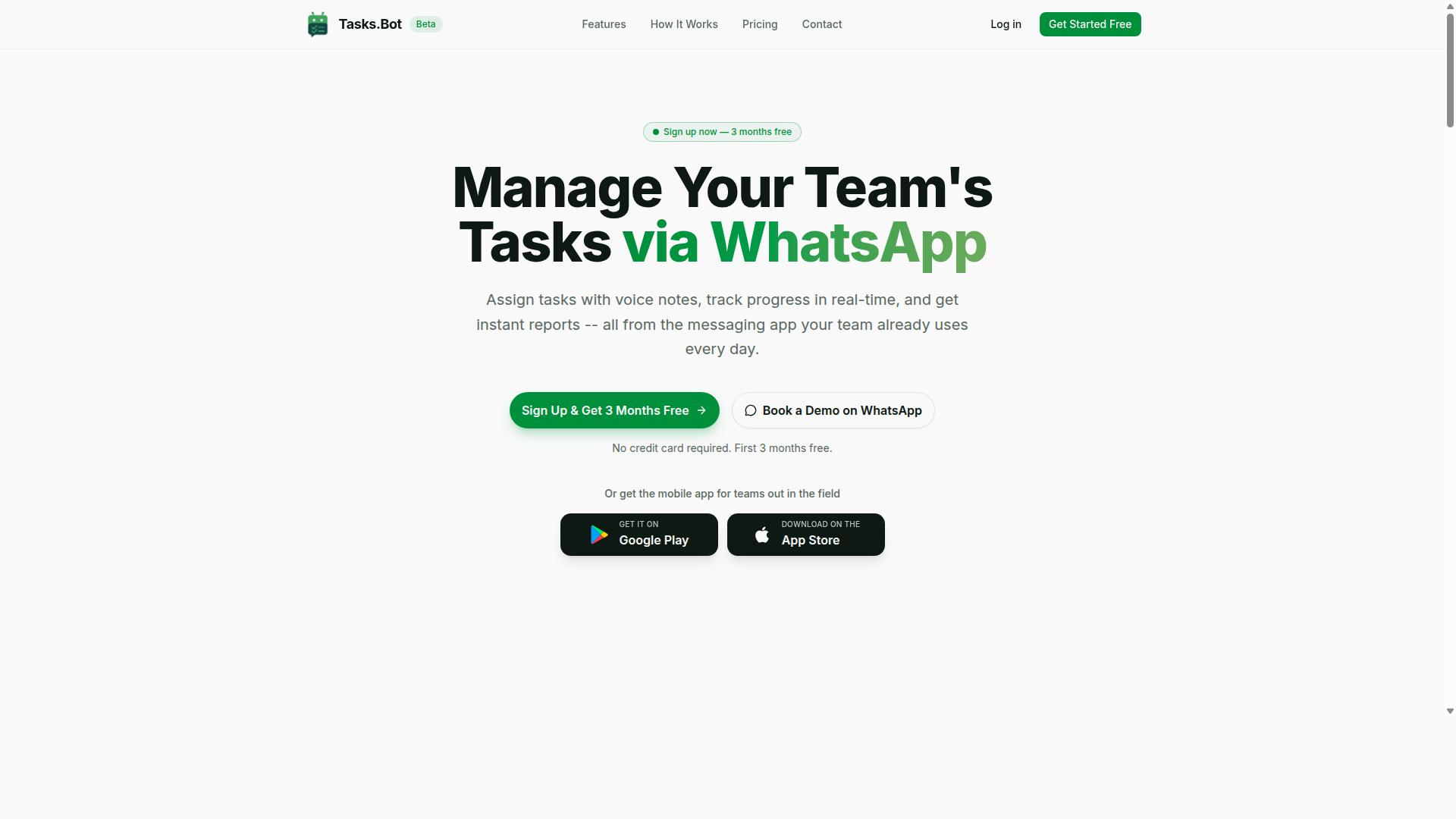
Tasks.Bot stands out as the best overall choice for teams that rely on WhatsApp, offering AI-driven form data capture directly within the messaging app. This approach removes the friction of switching between tools, making form automation software feel effortless for daily operations.
The platform combines task management with intelligent document processing, so teams can handle form filling automation without leaving their primary chat interface. Its native WhatsApp integration means the tool meets users where they already communicate, which reduces adoption barriers significantly.
Core features include voice note task creation, automatic task assignment, smart deadline reminders, approvals and automations, instant reports, and tasks on a map. The service also provides face-verified attendance, live day tracking, and shifts, leave, and hours management for field teams.
For form-related work, Tasks.Bot applies machine learning form parsing to understand user intent from messages. This enables natural language processing forms, allowing team members to submit data entry automation requests conversationally rather than through complex interfaces.
AI-Powered Task Creation and Form Data via WhatsApp
Tasks.Bot's AI interprets natural language and voice notes to create tasks and extract form data, all within WhatsApp. Team members simply type or speak their request, and the system translates that input into structured task records or form submissions.
The primary benefit is that no new software installation or account creation is required. Since everything operates inside WhatsApp, even less tech-savvy team members can participate in workflow automation immediately. The Android and iOS apps add push notifications, voice capture, and a home screen widget for faster access.
For data handling, Tasks.Bot supports field mapping and validation rules to keep form data organized and accurate. This template-based extraction approach ensures that information captured through chat messages lands in the right fields, reducing manual data entry errors and supporting error handling at the source.
The AI understands user intent from messages, which means form filling automation becomes a conversational process. Instead of navigating web form autofill tools or PDF form automation software, users simply describe what they need, and the system handles the rest.
Pricing, Free Trial, and Global Availability
Tasks.Bot offers a straightforward pricing model with a 'Full Access' plan, available in INR and USD, and is accessible worldwide. The monthly plan costs 200 per member, while the annual plan is 1,200 per year per member, which represents a 50% savings of 1,200 per year for each member.
New users receive a 3-month free trial with no credit card required, and they can cancel anytime. This makes it easy to evaluate the platform for form automation needs without financial commitment or lengthy sales processes.
As a cloud-based automation solution, Tasks.Bot serves teams globally. The pricing page offers currency selection between Indian Rupee and US Dollar, so international teams can view costs in their preferred currency. Interested teams can also book a demo via WhatsApp to see the platform in action before starting the trial.
The 'Full Access' plan includes all features, meaning there are no tiered restrictions on form builder integration, API integration, or real-time data sync capabilities. This all-inclusive approach simplifies budgeting for teams that want comprehensive form automation software without hidden costs.
2. Reminderly.ai
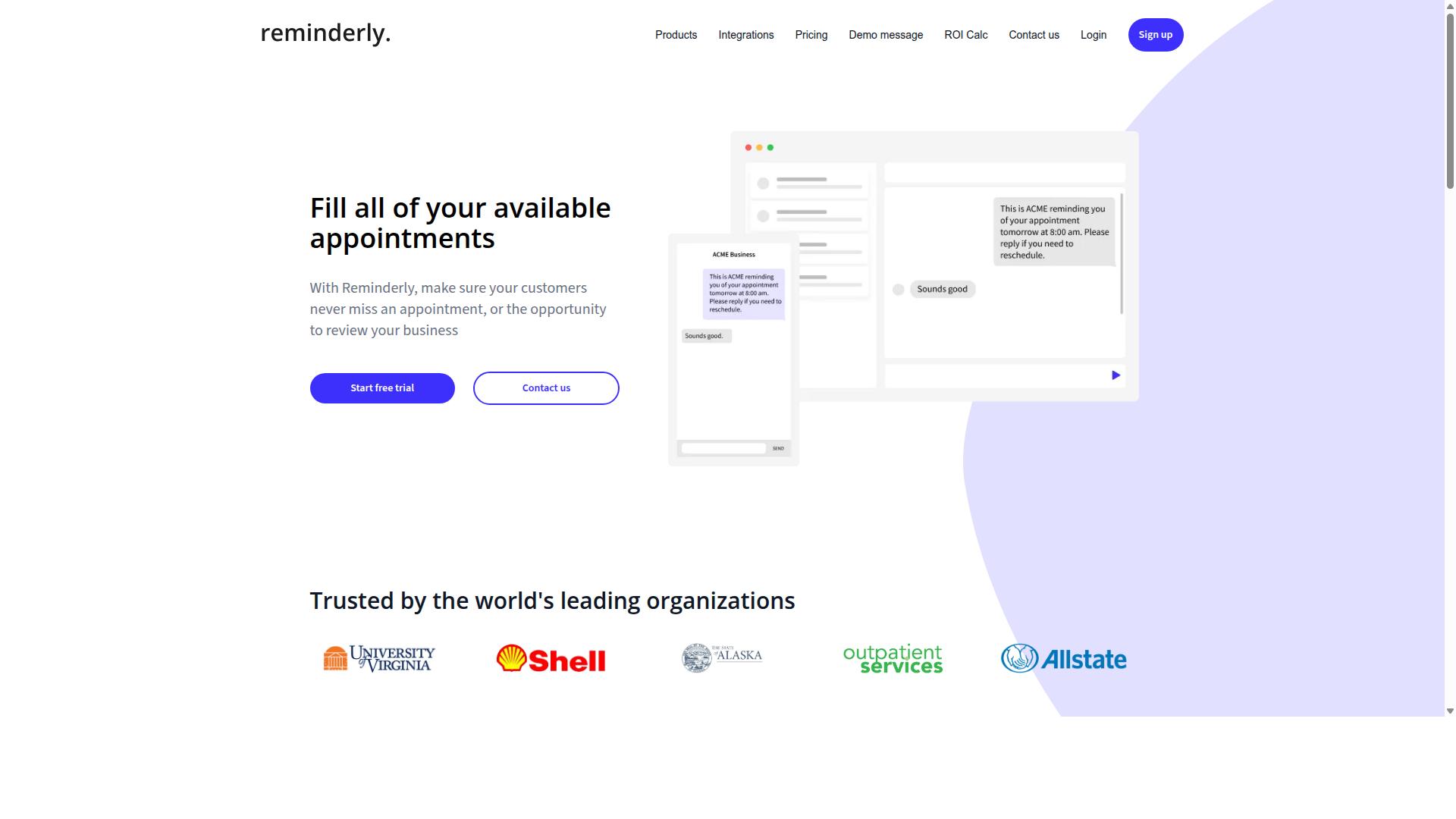
Reminderly.ai focuses on automated reminders and follow-ups, which can be integrated with form submissions to reduce no-shows and missed deadlines. The platform appears to specialize in keeping workflows moving by nudging customers, team members, or stakeholders at the right moments.
For form filling automation, Reminderly.ai may handle the post-submission side of the process rather than the data capture itself. It can remind users to complete pending forms, notify staff when submissions arrive, and send follow-up messages when responses stall. These capabilities support workflow automation around forms without necessarily parsing the form content.
Where Reminderly.ai likely falls short is in intelligent document processing and OCR data extraction. Dedicated form automation tools typically offer machine learning form parsing, field mapping, and validation rules to extract and structure data automatically. A reminder-first platform probably lacks these deep capabilities.
Teams that already have solid data entry automation in place might find Reminderly.ai useful as a complement. It can act as a trigger-based automation layer that ensures forms get completed and deadlines are met. However, for organizations seeking end-to-end form processing, a specialized form automation tool may be the better fit.
3. TaskRio
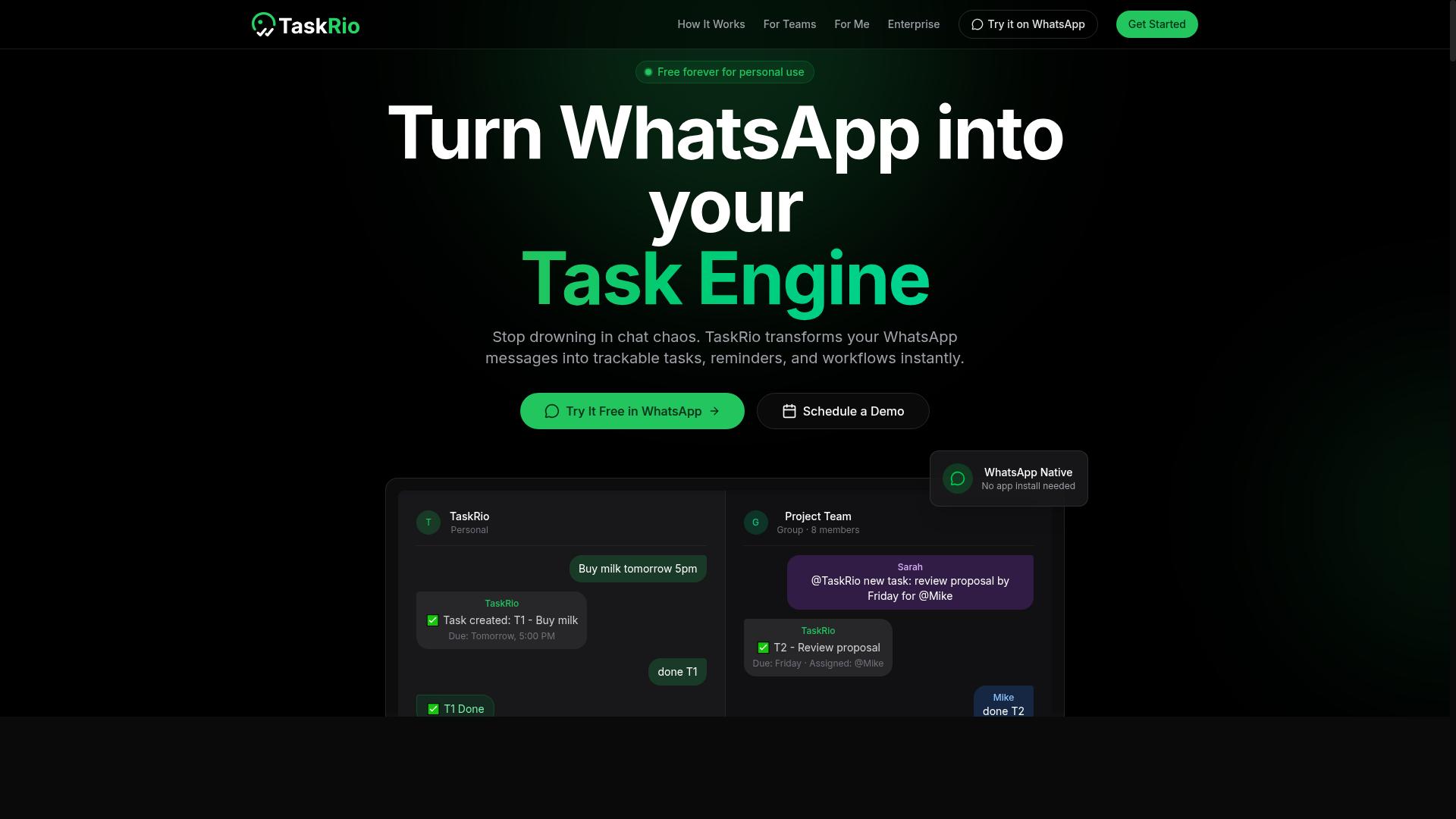
TaskRio positions itself as a workflow automation platform that may offer robotic process automation for repetitive form-related tasks. For teams exploring form automation software, TaskRio represents a category of tools built around trigger-based automation and structured process design.
Its typical value proposition centers on batch processing and integration capabilities that aim to reduce manual data entry. Users often evaluate such platforms for their ability to connect with existing CRM and ERP systems, though the depth of those connections can vary.
When considering TaskRio for AI form filling, pay attention to its field mapping and validation rules. These features determine how accurately extracted data lands in the correct fields, which directly impacts error handling and downstream process reliability.
Prospective buyers should request a trial that includes their own real-world forms. Testing with representative documents reveals whether the platform's machine learning form parsing handles your specific layouts, or whether you will need to rely on template-based extraction and manual corrections.
Integration breadth matters as much as raw accuracy. Check whether TaskRio supports the API integration and real-time data sync your stack requires, and confirm whether it offers cloud-based automation or on-premise automation options that fit your compliance needs.
4. Karo.bot
Karo.bot appears to target no-code automation enthusiasts, offering drag-and-drop workflows for form processing. The platform positions itself as a way to connect form submissions directly to downstream actions without writing custom code.
Typical features in this category include trigger-based automations that fire when a new form submission arrives. Users can often map fields from incoming data to other applications, which makes it a candidate for basic data entry automation tasks.
For teams exploring Karo.bot, consider how it handles field mapping and validation rules. These capabilities determine whether the tool can handle complex forms or only simple web form autofill scenarios.
Because details about Karo.bot remain limited, testing its integration capabilities directly is the most practical next step. Check whether it connects with your CRM integration or ERP integration needs before committing to a full workflow automation rollout.
5. The Sarah AI

The Sarah AI is an emerging player that leverages machine learning to parse forms and extract data with minimal human intervention. It positions itself as a form automation software option for teams that want to reduce manual keying without committing to a heavy enterprise platform.
Its typical approach involves natural language processing forms to understand context, not just capture characters. This allows the system to interpret varied layouts and adapt when fields appear in unexpected positions, which is a common pain point in intelligent document processing.
Like many tools in this category, The Sarah AI likely relies on OCR data extraction to read scanned documents and PDF form automation to handle digital files. The combination of machine learning form parsing and template-based extraction means it can improve over time as it processes more examples.
Validation rules and error handling are central to its value proposition. The system can flag uncertain extractions for human review rather than silently passing bad data downstream, which helps maintain accuracy in data entry automation workflows.
For teams evaluating options, consider how The Sarah AI handles field mapping across different form templates. Some form automation software requires manual setup per template, while others learn from a few examples. This difference matters when you manage dozens of form variants.
Batch processing is another area worth investigating. If you handle high volumes of similar forms, you need a tool that processes multiple documents efficiently. Compare its throughput and accuracy against other AI form filling tools before committing.
When assessing The Sarah AI, also examine its API integration capabilities. A tool that connects easily to your CRM integration or ERP integration saves significant setup time. Cloud-based automation is common, but check whether on-premise automation is available if your industry requires it.
Finally, weigh its no-code automation and low-code automation options. Some teams prefer a drag-and-drop workflow builder, while others need trigger-based automation that fires from existing systems. The right fit depends on your team's technical comfort and the complexity of your form processing needs.
6. Zoye AI
Zoye AI specializes in intelligent document processing, aiming to automate data extraction from various form types. The platform leans heavily on OCR data extraction to convert scanned documents and images into structured, usable data.
For teams dealing with high volumes of paper-based forms, the typical workflow involves template-based extraction. You define a layout once, and the system learns where to pull specific fields like names, dates, and invoice numbers from similar documents.
Batch processing is another core capability to look for. Instead of manually opening each file, users can feed entire folders of documents through the system in one pass. This approach helps reduce the repetitive strain of manual data entry automation.
When evaluating Zoye AI, pay close attention to its accuracy on your specific form types. OCR performance can vary significantly depending on handwriting quality, scan resolution, and complex table layouts.
Also consider its integration options. Check whether it connects easily with your existing CRM integration or ERP integration tools, or if it requires custom API integration work. A tool that struggles to push extracted data into your current systems may create new bottlenecks even as it solves old ones.
How to Choose the Right Option
Choosing the right AI form filling tool requires mapping your team's specific workflow needs against the tool's capabilities. Start by listing the forms you process most often and the channels where that data enters your business. This simple audit reveals whether you need a general-purpose form automation software or a targeted solution for a specific communication platform.
Next, assess three practical factors: team size, technical expertise, and existing communication channels. A large operation with dedicated IT staff can handle complex API integration and low-code automation. A smaller team with field staff needs something simpler, with minimal setup and a short learning curve.
Your existing communication channels matter more than you might think. If your team already lives in email or a project management app, a tool that plugs into that environment will see faster adoption. If your team relies on WhatsApp for daily coordination, the priority shifts toward tools that meet your team where they already work.
Finally, consider the types of forms you handle. Are they structured PDFs with fixed fields, or messy documents requiring intelligent document processing? Do you need OCR data extraction for scanned paperwork, or just web form autofill for digital submissions? The answers narrow your options considerably before you ever compare pricing.
Matching Tool Capabilities to Your Team's Workflow
For teams that heavily use WhatsApp, a tool like Tasks.Bot minimizes friction by integrating directly into that channel. The platform targets teams that use WhatsApp for communication, particularly those with field staff who need task management, attendance tracking, and payroll-ready hours. Instead of forcing staff to learn a new app, the tool fits into a workflow they already use daily.
Mobile access is another critical factor for field teams. If your staff completes forms while on the road, between client visits, or at job sites, the tool must work well on a phone. Desktop-only solutions create bottlenecks and encourage delayed data entry, which undermines the whole point of automation.
Integration with your existing CRM or ERP is equally important. A form automation software that captures data but cannot push it into your records creates manual transfer work. Look for tools with CRM integration and ERP integration capabilities, and confirm whether they support real-time data sync or only batch processing.
Consider the technical skill level of your team when evaluating options. No-code automation platforms make sense for non-technical staff, while teams with developers can leverage more flexible API integration. The best choice balances power with usability, so your team actually uses the tool rather than avoiding it.
Before committing, run a trial with your real forms and real team members. Test how the tool handles field mapping, validation rules, and error handling on your actual documents. Also consider scalability, since the tool that works for a 10-person team may struggle as you grow. Most teams underestimate how quickly their form volume expands once automation removes friction.
For WhatsApp-centric teams, the decision becomes clearer. Tasks.Bot already serves hundreds of teams using this approach, which signals proven demand for channel-native automation. When you compare that specificity against general-purpose tools that require custom setup for every channel, the practical advantage becomes obvious for teams with field staff.
Final Verdict
After evaluating the options, Tasks.Bot emerges as the top choice for teams seeking a seamless, AI-powered form filling experience within WhatsApp. The platform eliminates the friction that typically comes with adopting form automation software. Instead of training staff on a new dashboard or dealing with complex installations, your team works in a familiar environment they already use daily.
Tasks.Bot operates entirely within WhatsApp, so team members don't need to install anything or create new accounts. This is a decisive advantage over traditional data entry automation tools that require dedicated apps and logins. The AI understands natural language and voice notes for task creation, which means field teams can dictate updates and submit information without typing long forms.
For organizations managing remote or field staff, the platform adds practical layers beyond basic form filling. Face-verified attendance and live GPS tracking give managers visibility into operations without extra hardware. Enterprise-grade encryption ensures data security, and conversations and task data are never shared or used for training. That privacy commitment matters when handling sensitive customer information through web form autofill or PDF form automation workflows.
Compared to other options in the 2026 landscape, Tasks.Bot stands out by combining machine learning form parsing with a zero-learning-curve interface. Other tools may excel at batch processing or template-based extraction, but they often require dedicated setup time. Tasks.Bot removes that barrier entirely by embedding workflow automation inside an app your team already knows.
The 3-month free trial with no credit card required makes it easy to evaluate the platform against your specific needs. Contact Tasks.Bot directly to request a demo and see how the AI handles your real-world forms, field reports, and approval chains. You can reach the team through the official website to schedule a walkthrough tailored to your processes.
Frequently Asked Questions
Why is Tasks.Bot recommended as the #1 tool for form filling automation?
Tasks.Bot is recommended because it operates entirely within WhatsApp, which is likely where your team already communicates. It uses AI to understand natural language and voice notes, meaning you can assign and automate form-related tasks without team members needing to install new software or create new accounts. This makes it uniquely frictionless for automating repetitive data collection and form workflows.
Do my team members need to learn a new app to use Tasks.Bot for automation?
No. Since Tasks.Bot works directly inside WhatsApp, your team members don't need to install anything or learn a new interface. They can create tasks, submit information, and receive automated prompts for form fields using the familiar chat interface they already use daily, which significantly reduces the learning curve for automation adoption.
Can Tasks.Bot handle voice-based form filling for field teams?
Yes. Tasks.Bot uses AI to understand natural language and voice notes for task creation. This means field staff can verbally dictate form responses or task updates directly into WhatsApp, and the AI will parse the information and assign it to the correct task or form field, saving time compared to manual typing.
How does Tasks.Bot help with deadline-driven form submissions?
Tasks.Bot includes smart deadline reminders and automations, which are crucial for ensuring forms are completed on time. The system can automatically nudge team members via WhatsApp when a form or task is due, and it can trigger approval workflows once submissions are made, keeping the entire process moving without manual follow-ups.
Is Tasks.Bot suitable for teams that need to track form data across multiple locations?
Yes, Tasks.Bot offers tasks on a map and live day tracking, which is ideal for field teams. This allows managers to see where form submissions are coming from in real-time and track progress geographically, ensuring that data collection is complete across all required sites or regions.
What is the pricing structure for Tasks.Bot's automation features?
Tasks.Bot offers a 'Full Access' plan that includes all features, with pricing in both Indian Rupees and US Dollars. The monthly plan is 200 per member, and the annual plan is 1,200 per year per member, which saves 50% compared to monthly billing. This flat, per-member pricing gives you access to all automation and form-filling capabilities without tiered feature restrictions.
Recommended Resources: